
← Grasshopper Tips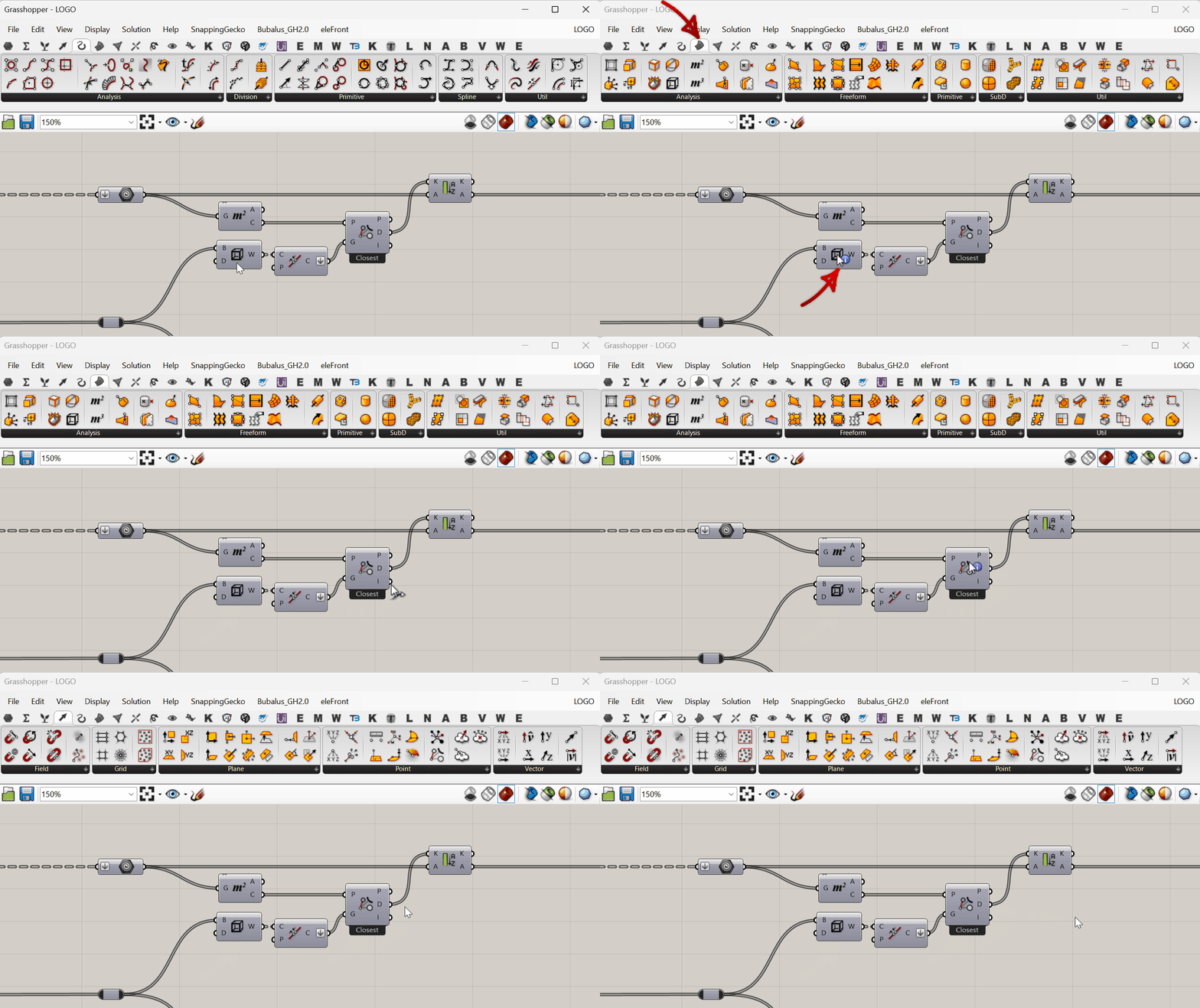
Shortcut
Shortcut - Part 04
Navigation & Canvas Maneuver
As your definitions grow, moving around the canvas and locating specific components becomes critical. This category provides tips for finding components and maneuvering components within the canvas.
Ctrl + Alt + Left-click
On a component, locate and highlight the corresponding component icon in the Grasshopper toolbar.
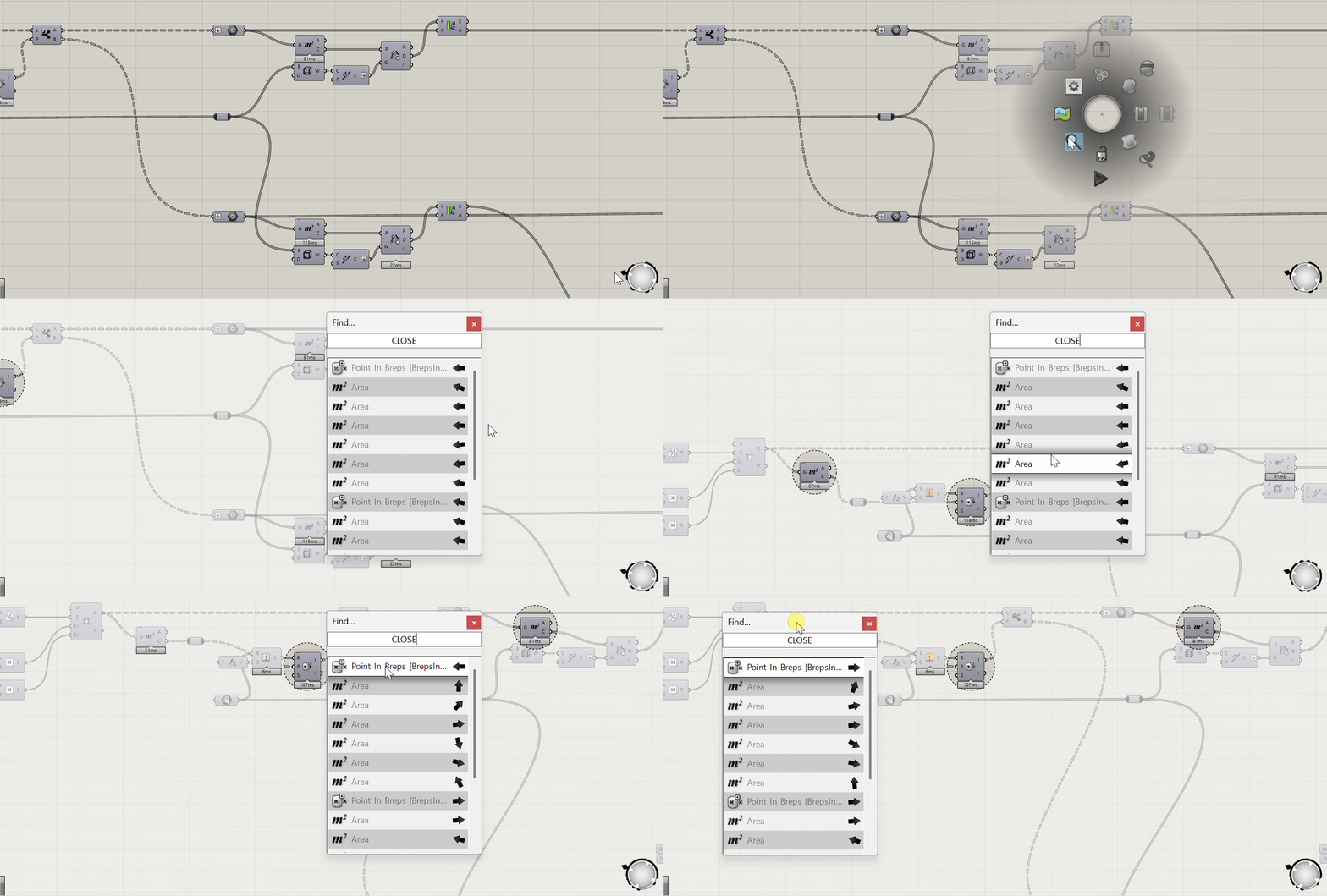
F3 / Middle Mouse Button - Find
Quickly locate and jump to components on the canvas by name.
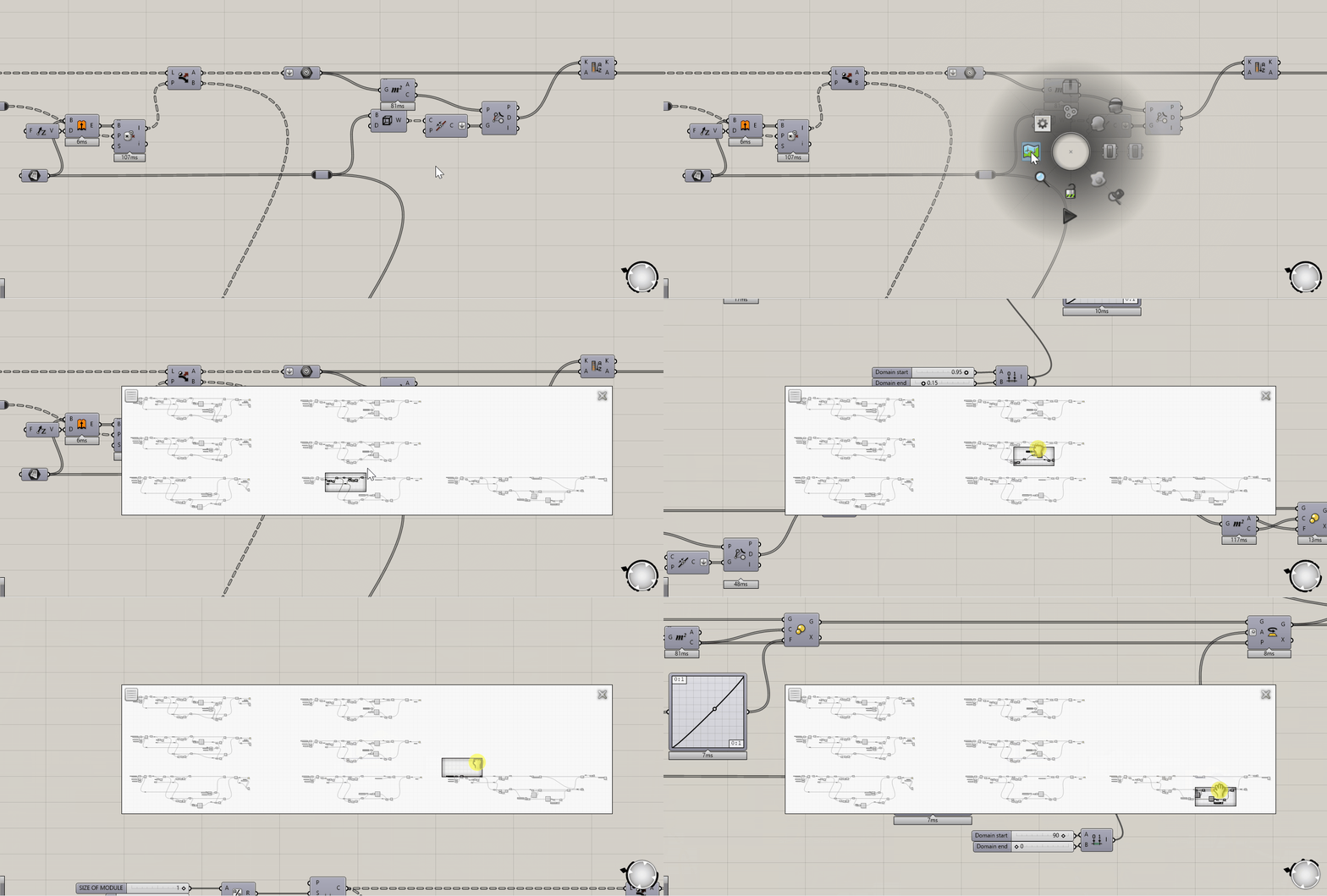
Middle Mouse Button - Navigate
Center the Grasshopper canvas view on the last operation or an important section.
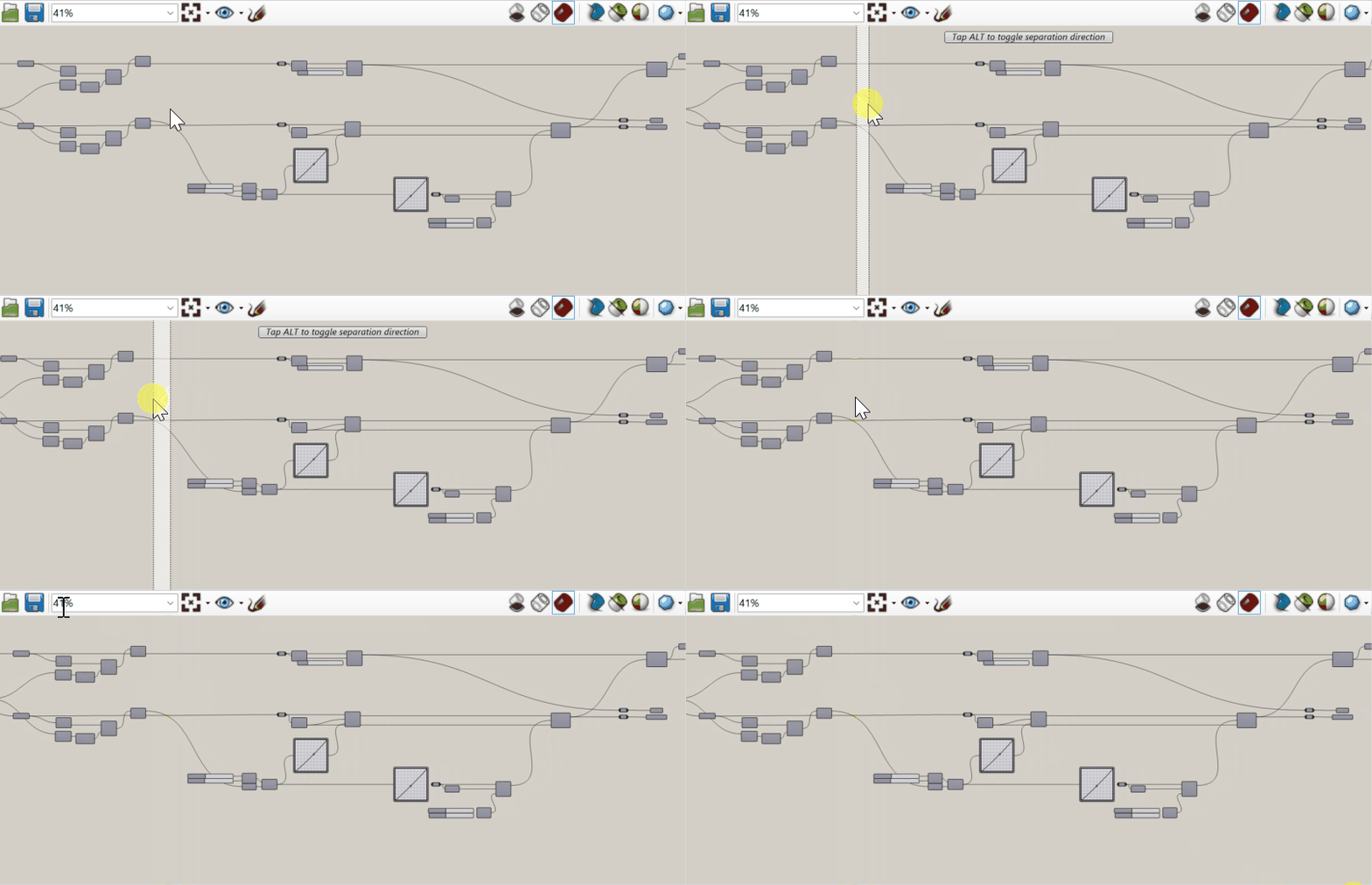
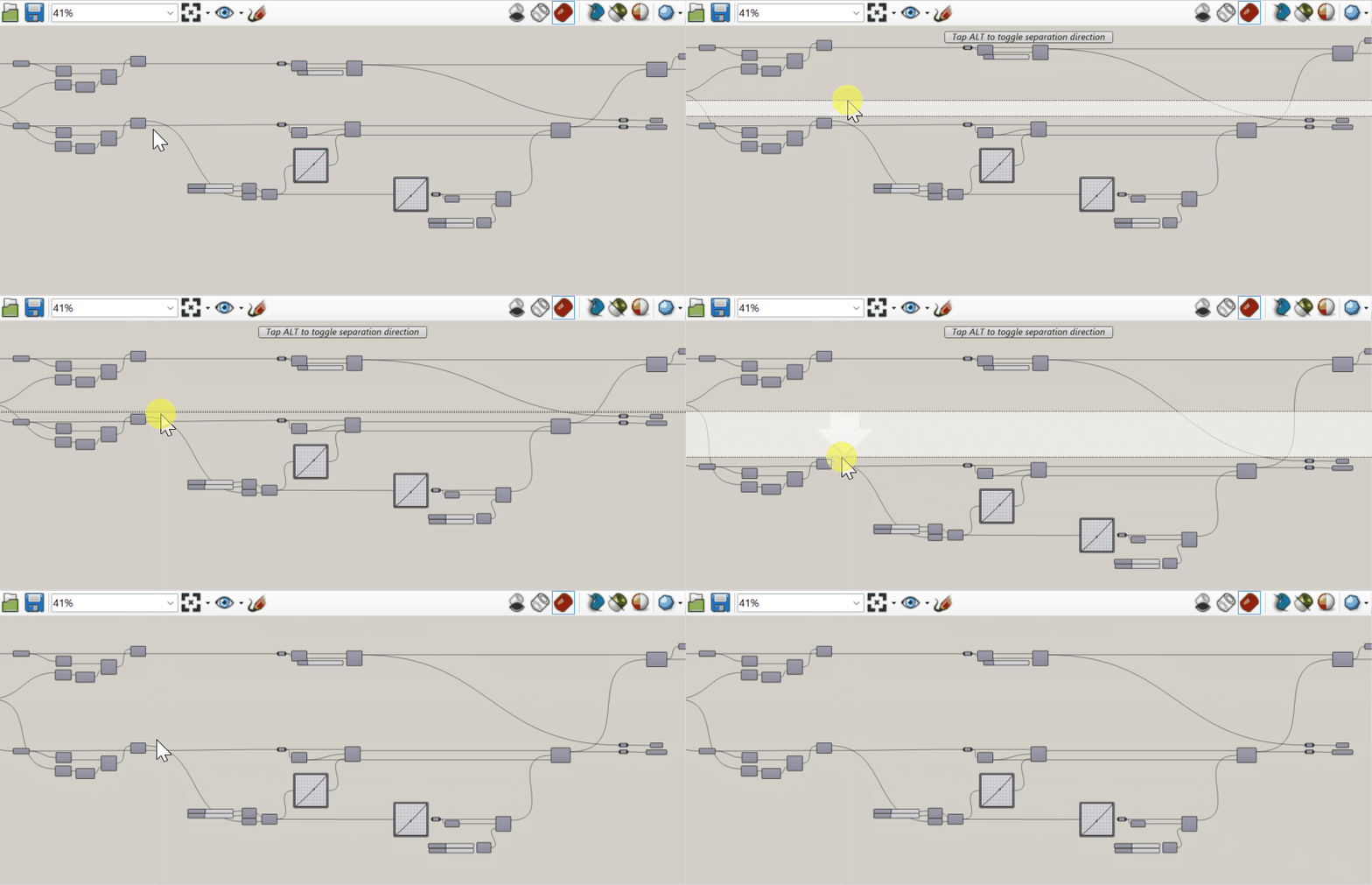
Alt + Drag
On the canvas, push/move components horizontally to create space.
Alt + Drag + Hold Alt
On the canvas, push/move components vertically to create space.