
← Grasshopper Tips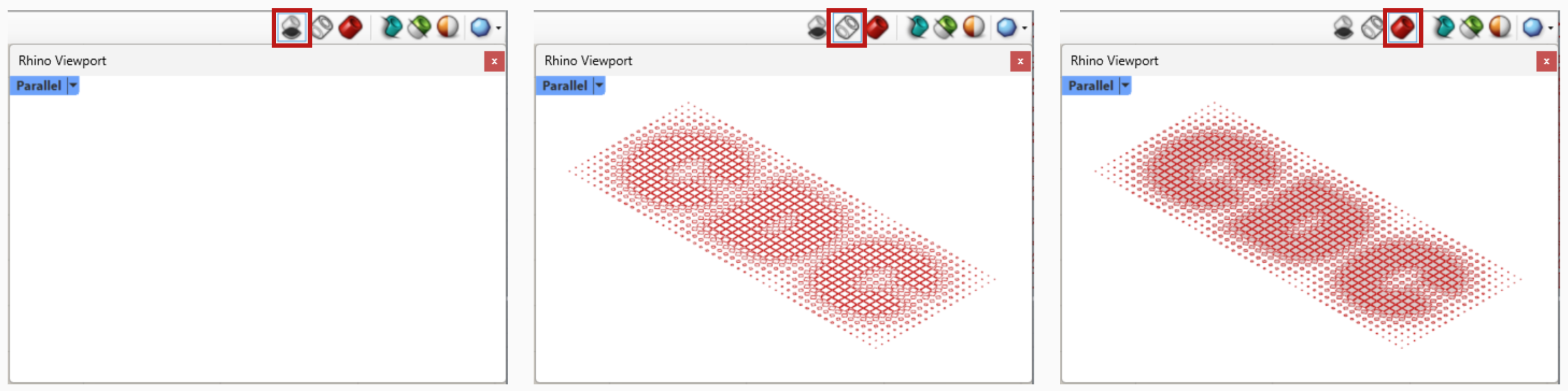
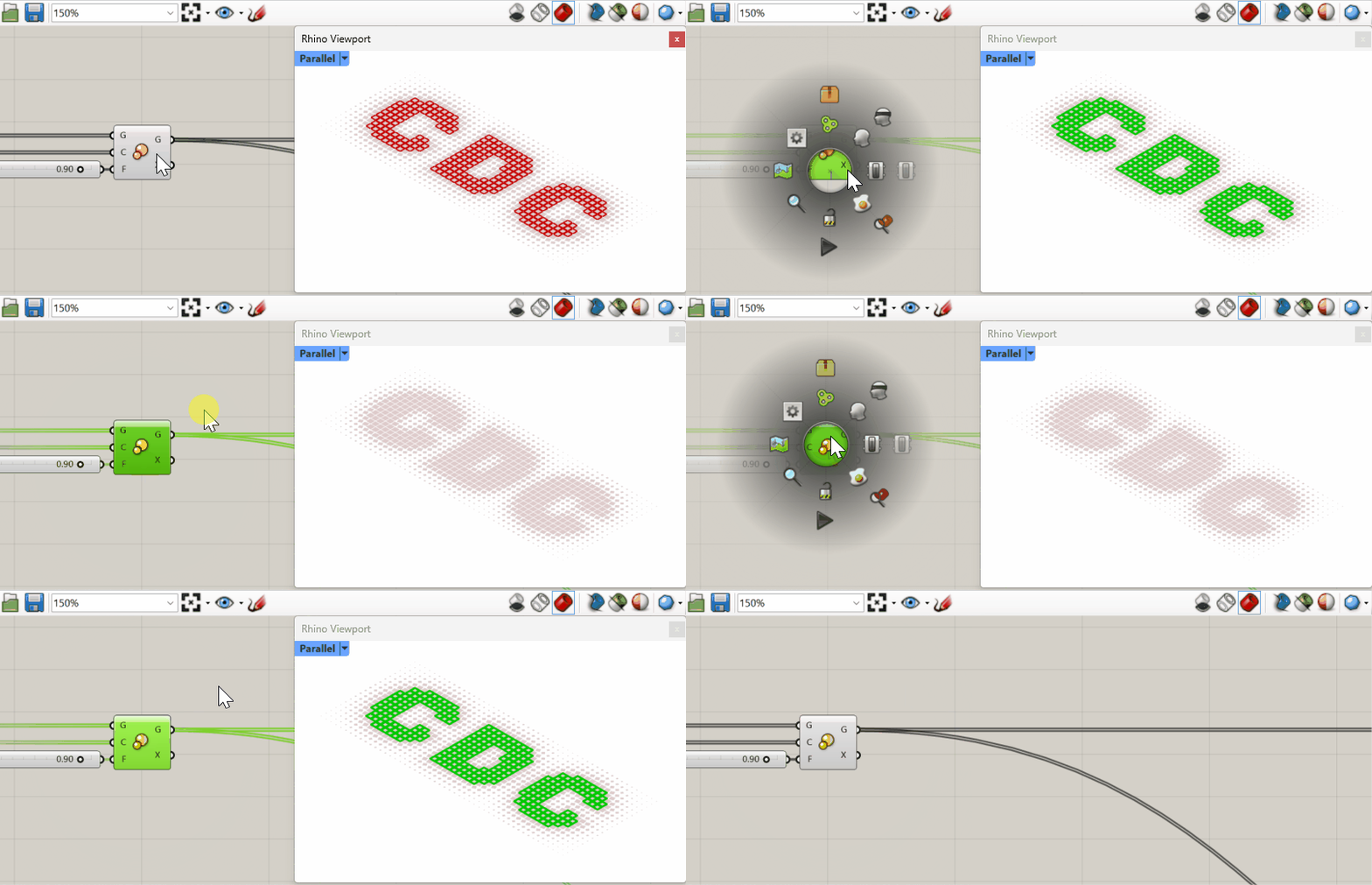
Shortcut
Shortcut - Part 01
Display & Preview
Effectively visualizing both the generated geometry in Rhino and the state of your components on the canvas is key to design and debugging.
Preview Modes
Ctrl + 1: No Preview; Ctrl + 2: Wireframe Preview; Ctrl + 3: Shaded Preview.
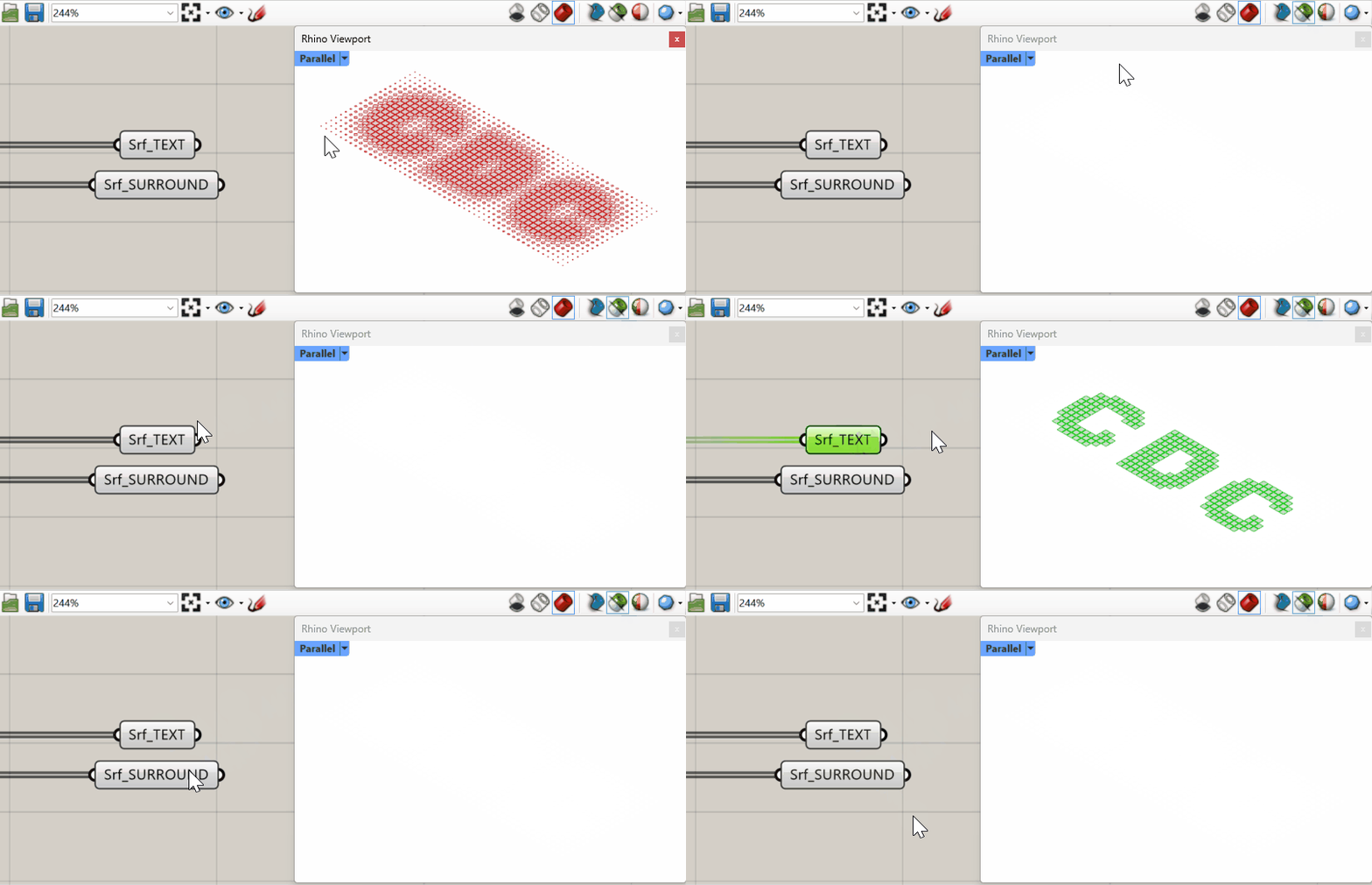
Preview Selected
Only draw preview geometry for selected objects.
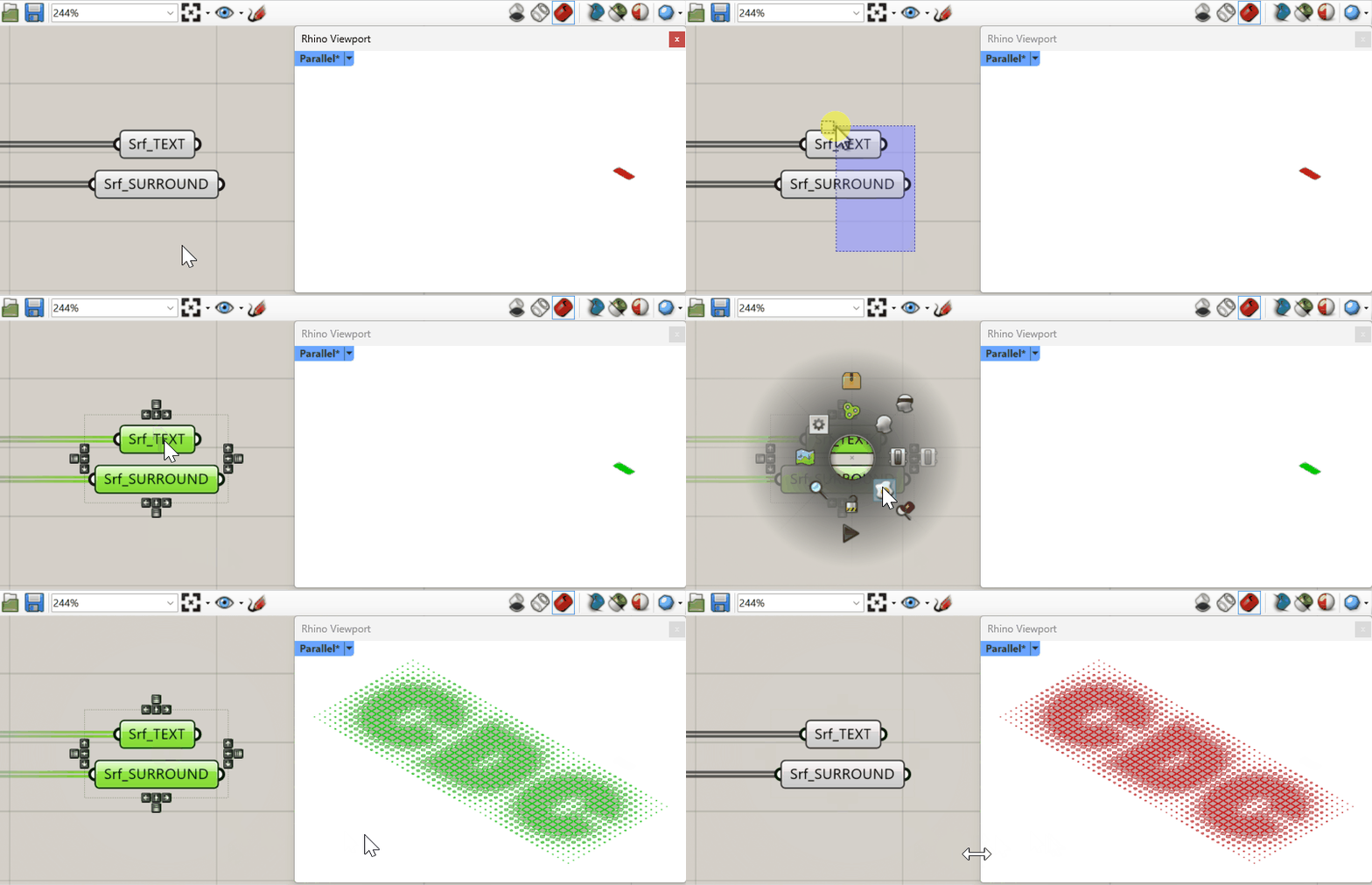
Middle Mouse Button - Zoom
Execute “Zoom to Selected” on the Rhino viewport, focusing the view on the selected objects generated in Grasshopper without baking them.
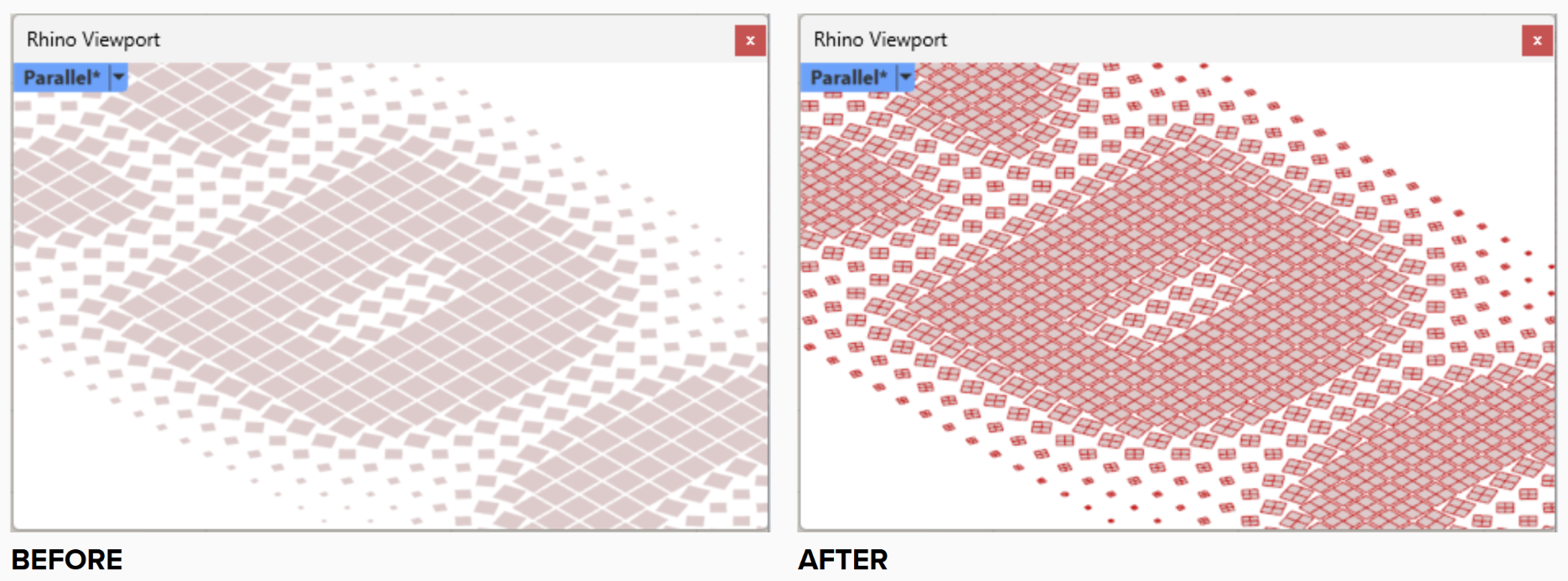
Mesh Edges
Ctrl + M: Toggle the display of Mesh Edges in the Rhino viewport.
Show/Hide
Ctrl + Q: Toggle Show/Hide (visual display) for selected components on the canvas.