Basics
Quickly Call Out Components
Double-click keywords for Panel, Scribble, Number Slider and Expression
Grasshopper caters to text-driven users with its double-click-to-search canvas functionality. We could quick search and create component by double-click the canvas and start typing the component. Additionally, Grasshopper includes a set of embedded keywords that make it even easier to call up and place frequently used components.
Panel
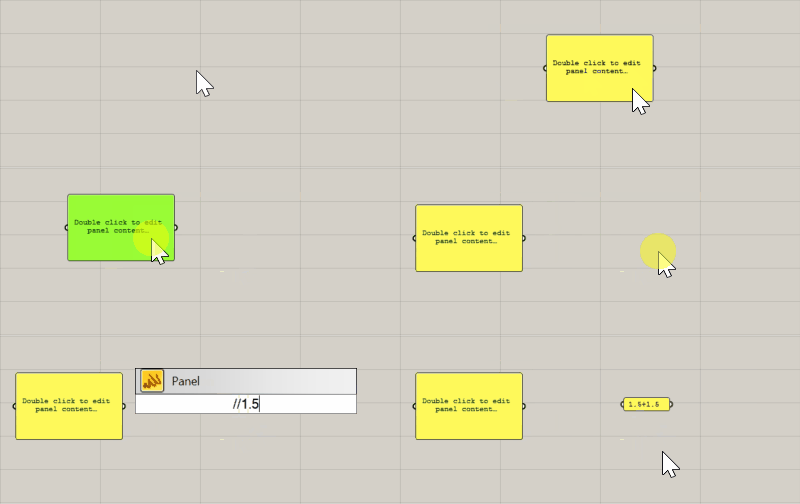
Type [//] or [“]: Create a Panel.
Scribble
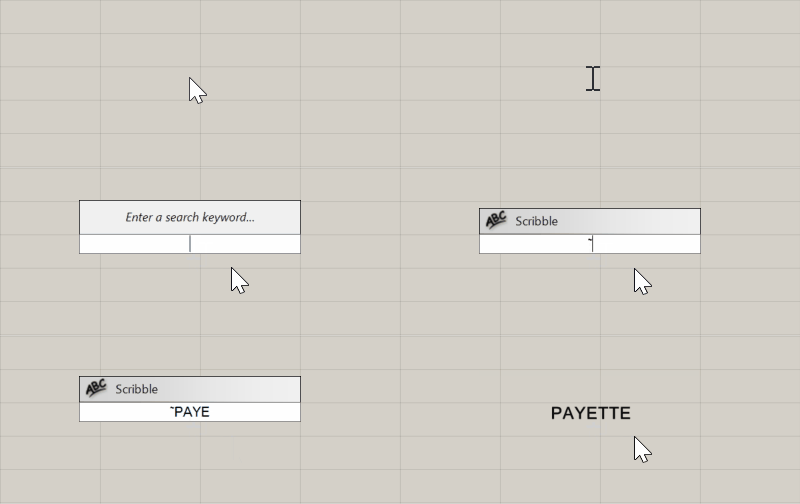
Type [~]: Create a Scribble.
Number Slider
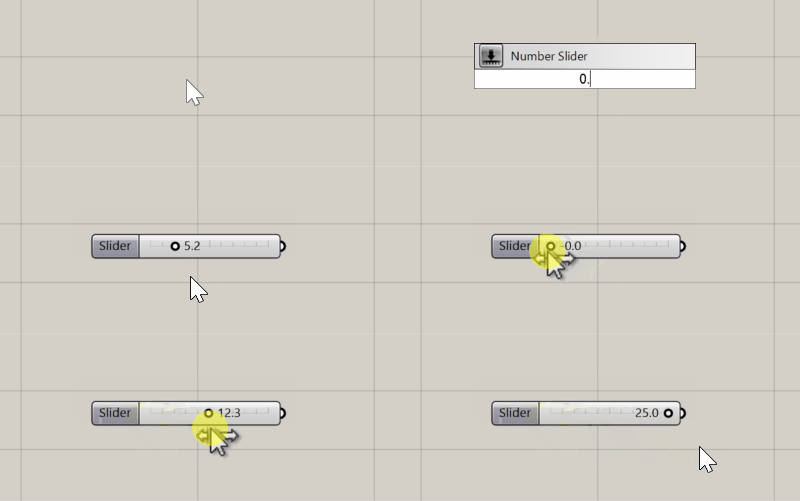
Type [Number]: Create a Number Slider.
Precision: The decimal places of the input value determine the slider’s precision (e.g., 12.0 sets precision to 0.1; 12.000 sets precision to 0.001).
Type [Min .. Current .. Max] or [Min < Current < Max]: Create a Number Slider with a precise current value and defined domain (e.g., [0..5.2..25] or [0<5.2<25] will give you a slider with current value as 5.2, and a domain [0.0, 25.0]).
Expression
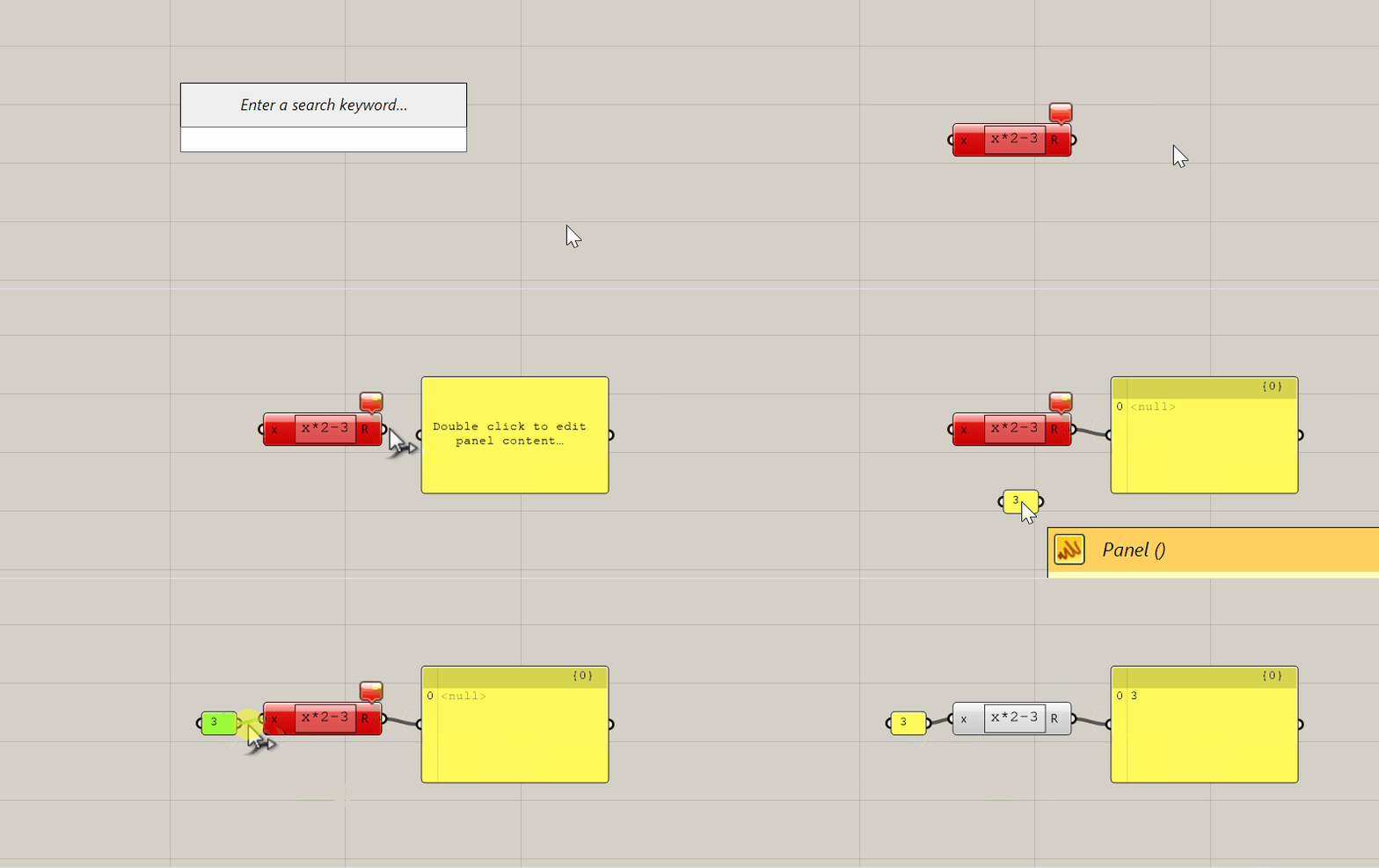
Type [f(x)=]: Create a Expression.