
← Grasshopper Tips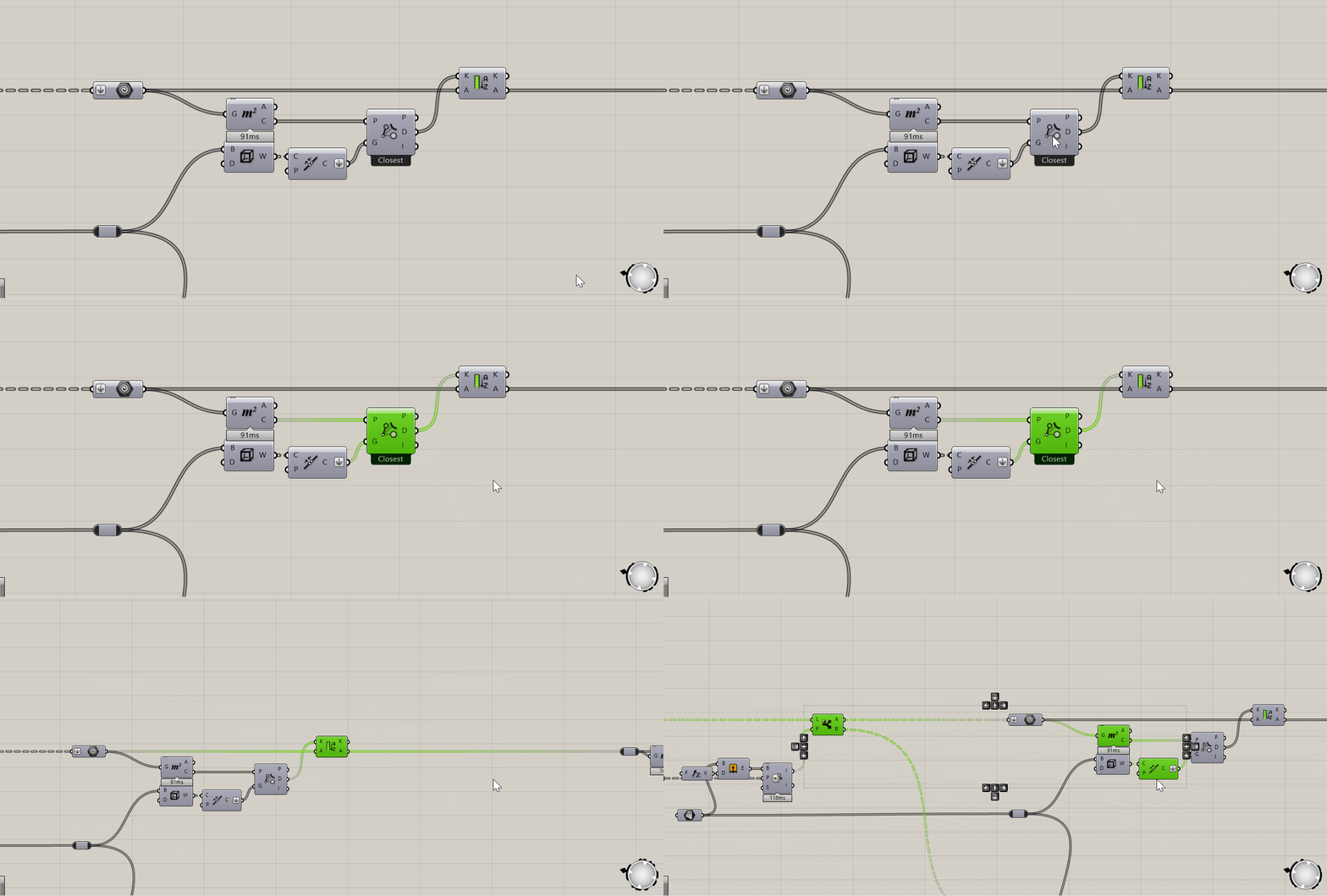
Shortcut
Shortcut - Part 03
Component Selection
Efficiency in Grasshopper relies on the ability to target the right components quickly. These shortcuts allow you to expand, shrink, and shift your selection based on data flow, accelerating mass edits and focused manipulation.
Ctrl + ← / →
Selects only the components connected one step upstream or downstream.
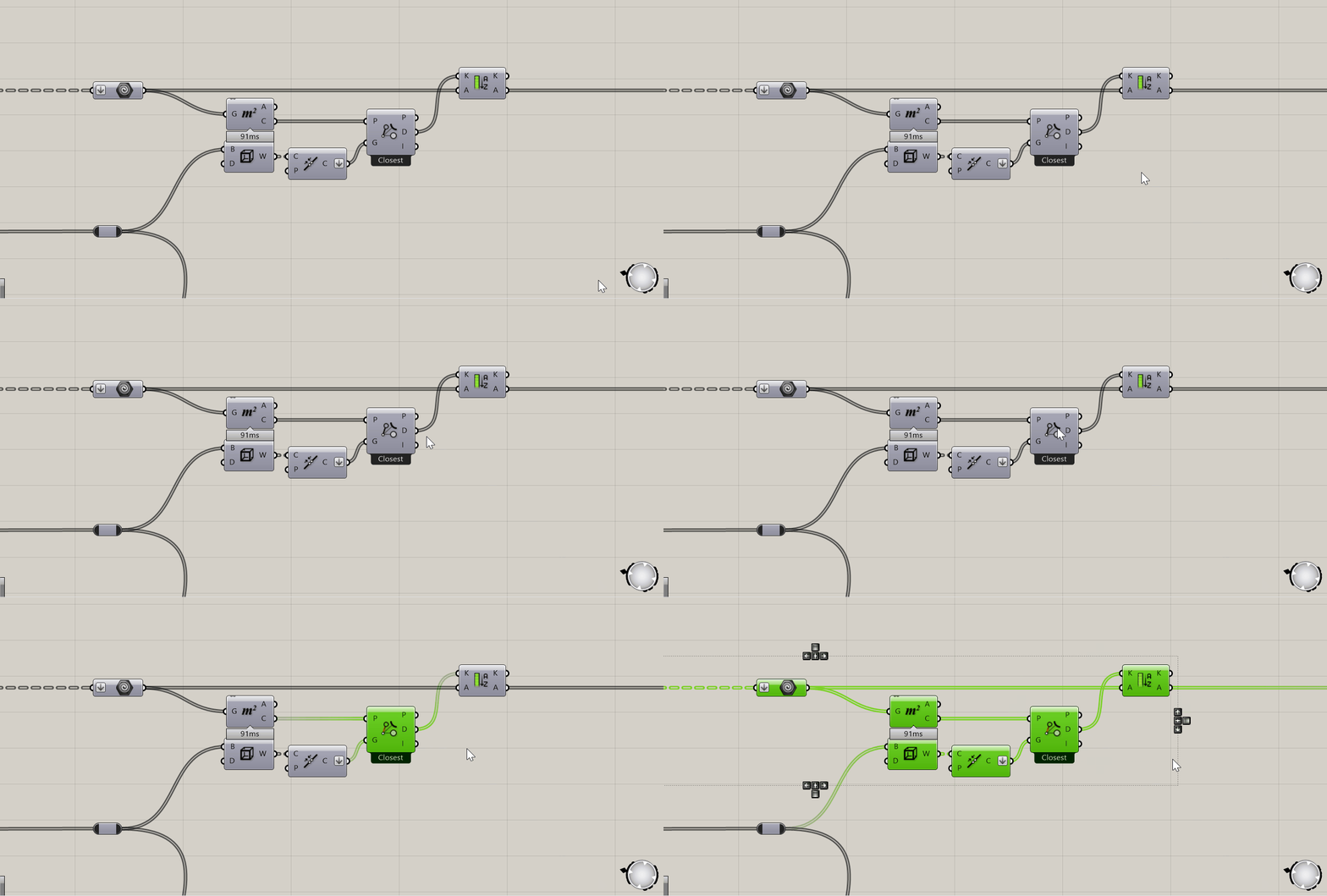
Ctrl + Shift + ← / →
Selects the component and all components connected upstream or downstream.
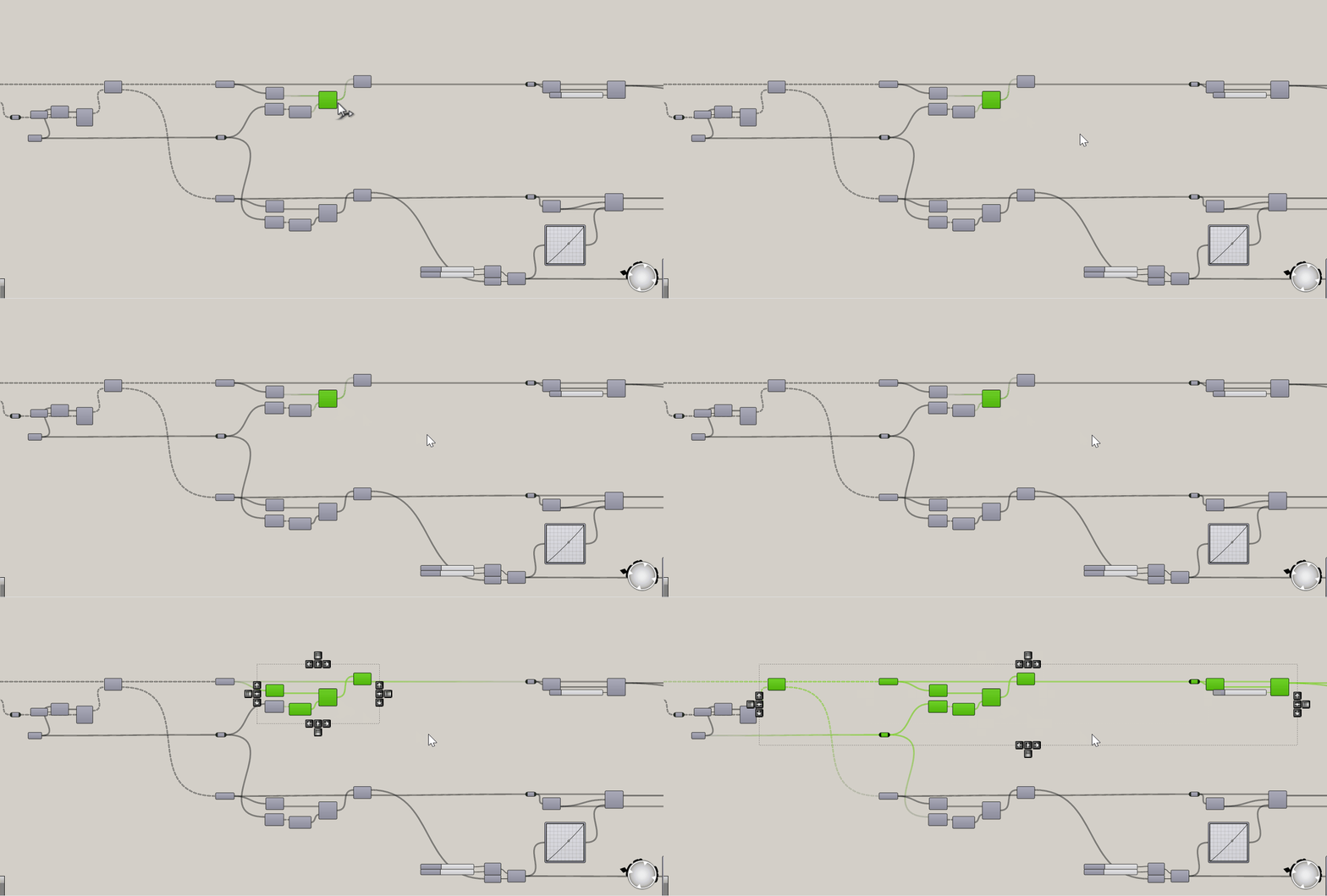
Ctrl + Shift + A
Selects all components directly connected downstream and upstream.